NOTE: If your PA site is integrated with RM, please create new Company in RM.
To add a Company in PA:
Under Utilities and Configuration, select the Companies folder.
At the top of the Company List pane, click New.
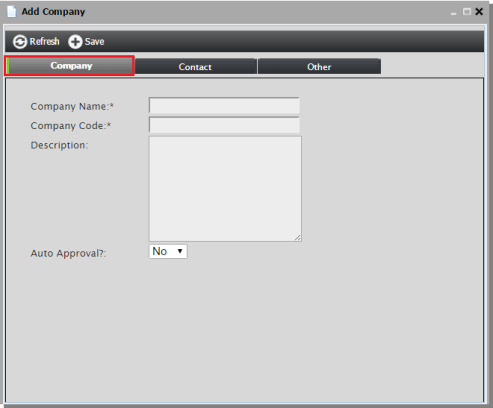
In the Add Company dialog, enter the following:
Company Name – The full name of the Company
Company Code – A 3–7 character acronym that represents the Company name in the Project number. The Company Code is generated automatically when the field is clicked, but can be edited to suit preferences.
Description – An optional field for the site administrator’s reference only
Auto Approval – To allow the Company’s new projects to be automatically approved to enter the workflow and move to the Submissions for Licensor folder upon submission, select Yes. The default value is No. If not changed, the Company’s new projects first appear in the New Projects folder and must be manually approved.
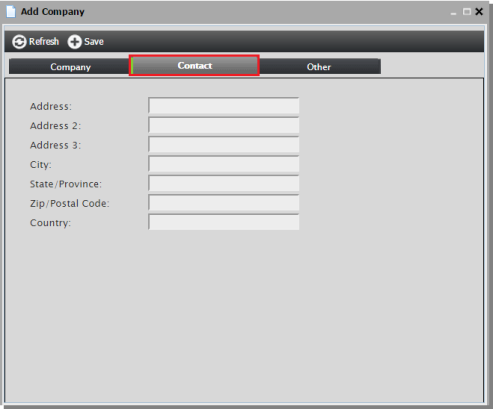
Select the Contact tab to add contact information.
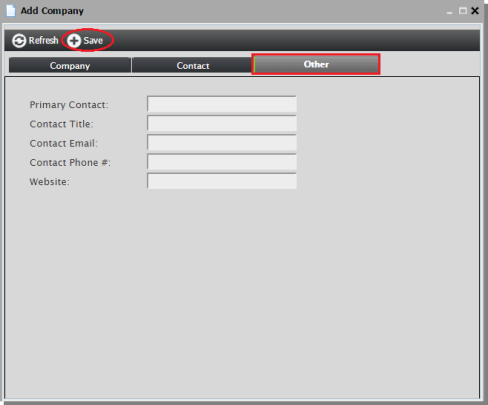
Select the Other tab to add additional information.
Click Save to save the new Company.