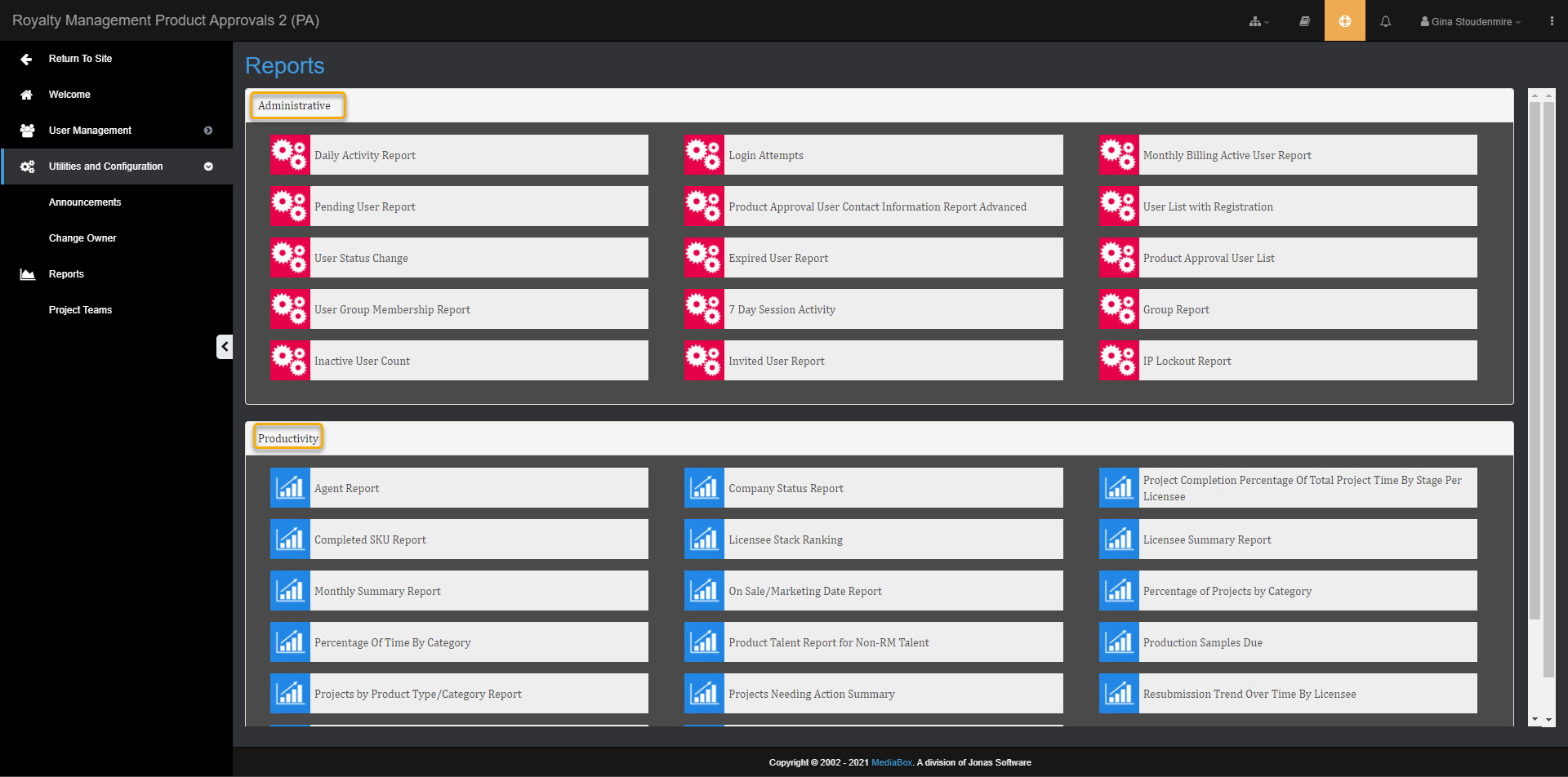
Various administrative and productivity reports are available to Site Administrators and Reports Managers. Reports can be generated in real time with a single click and exported to various formats, including:
.xml
.csv
.pdf
.mhtml
.xls
.tiff
.docx
To view a report
Under Utilities and Configuration, expand the Reporting folder and open the Report List view
Select a report from the Reporting folder or from the Report List pane.
A preview of the report opens in a new window. Enter filter parameters, select the export file type and click View Report.
The report is saved to your computer.