
Site administration tasks are managed from the Admin user interface. Like the Product Approval page, the Admin page is divided into three main sections:
Admin folder tree
List pane
Detail pane
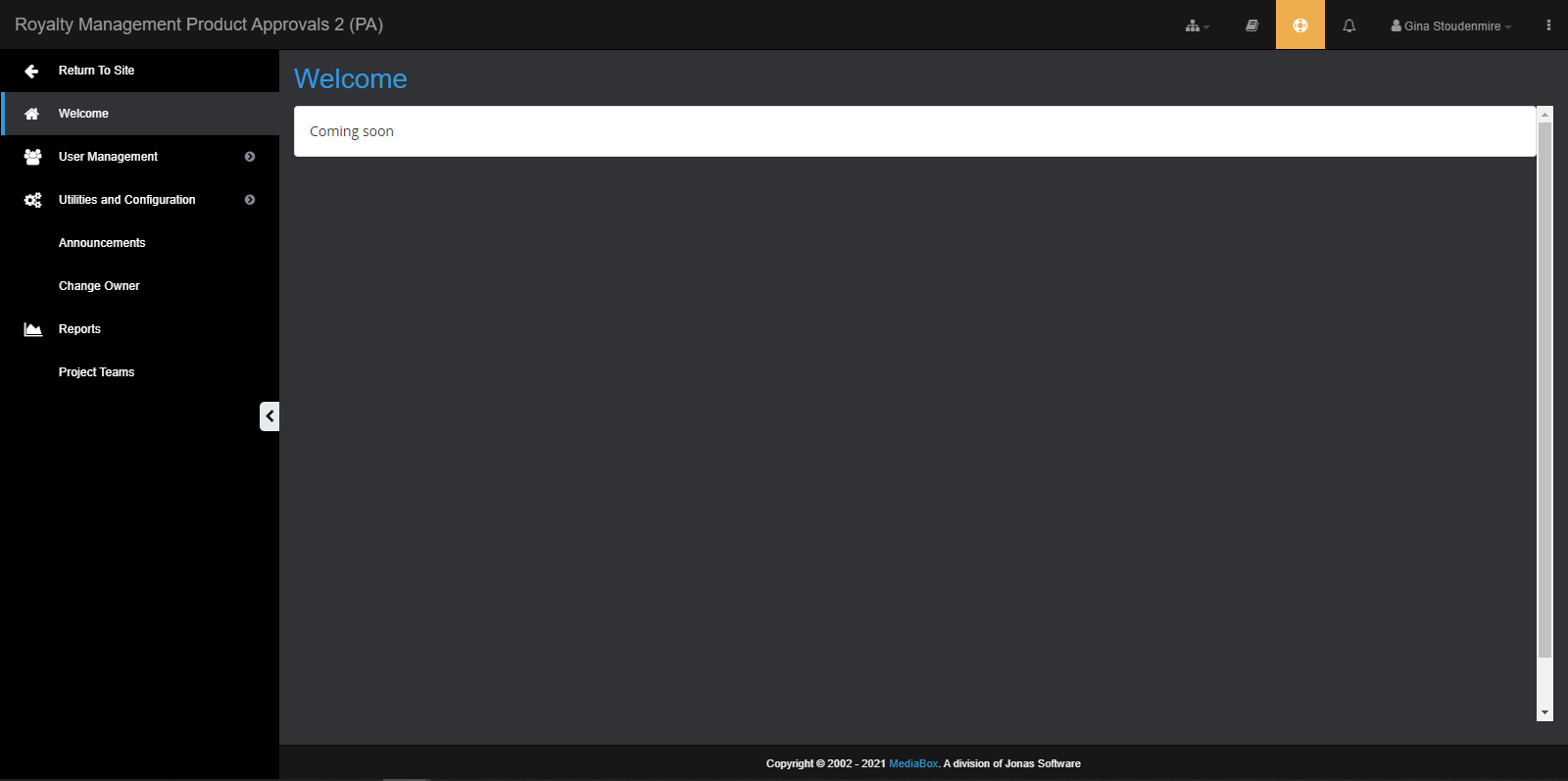
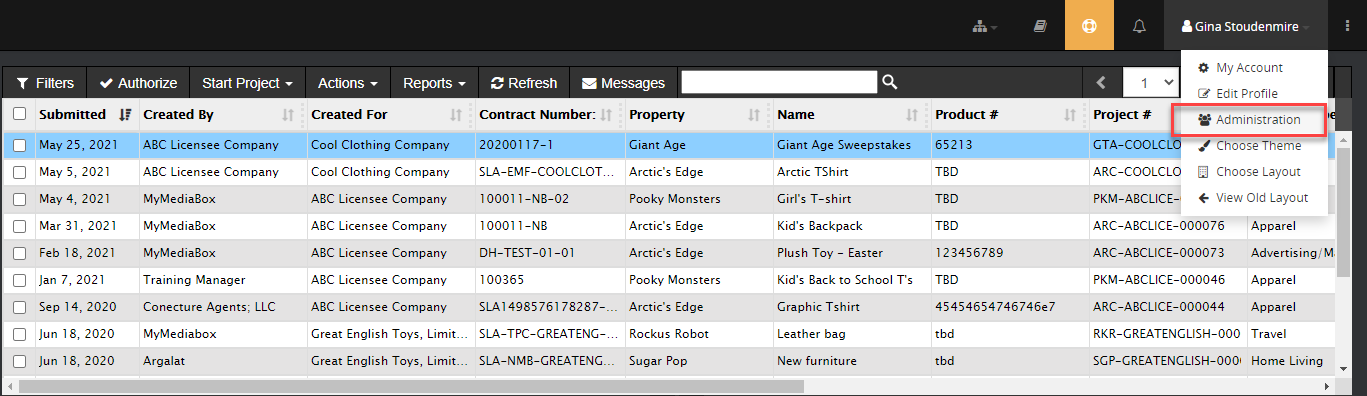
Accessing the Admin interface

Site Administrators, Account Managers and Reports Managers can access the Admin interface by clicking Admin in the bottom left-hand corner of the Product Approval page.

To return to the Product Approvals page, click Return to Site above the Admin folder tree.
NOTE Account Managers and Reports Managers have restricted access to only some areas of the Admin interface.